
How-to: Start A New Chat
To initiate a new conversation with the SQAI agent, you have two options:
Updated September 8, 2026
To initiate a new conversation with the SQAI agent, you have two options:
- Click the 'New' Button: Simply click the 'New' button located at the top of the chat history screen to start a fresh chat.
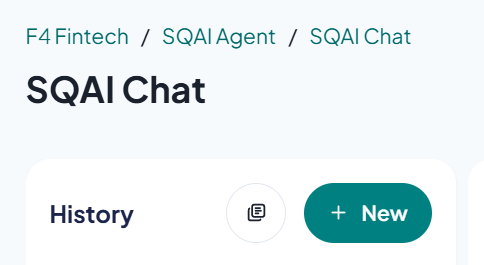
The button to start a new chat
- Reopen the SQAI Agent Page: Alternatively, you can reopen the SQAI agent page to begin a new conversation.
Related Articles
Did this answer your question?