
Step 6 - Elevate Your Workflow with Guided Tasks
Discover how to run Guided AI Tasks in SQAI Suite to automatically generate test cases, automation scripts, and documentation from your SDLC tools.
Updated September 10, 2026
Guided AI Tasks are pre-configured, step-by-step workflows designed to generate core SDLC artifacts—including functional specifications, test cases, automation scripts, and architecture diagrams—without requiring custom prompt engineering.
Prerequisites
Before initiating a Guided Task, ensure the following setup is complete:
Workspace Permissions: You hold an active Contributor or Admin role in your SQAI workspace.
Context Source Connected: At least one context source is accessible (e.g., a linked Jira issue, Confluence spec, synced GitHub repo, or uploaded file in Manage Knowledge).
Running Your First Guided Task
Select a Workflow Template Navigate to Guided Tasks from the primary navigation bar. Select the deliverable category that matches your immediate goal
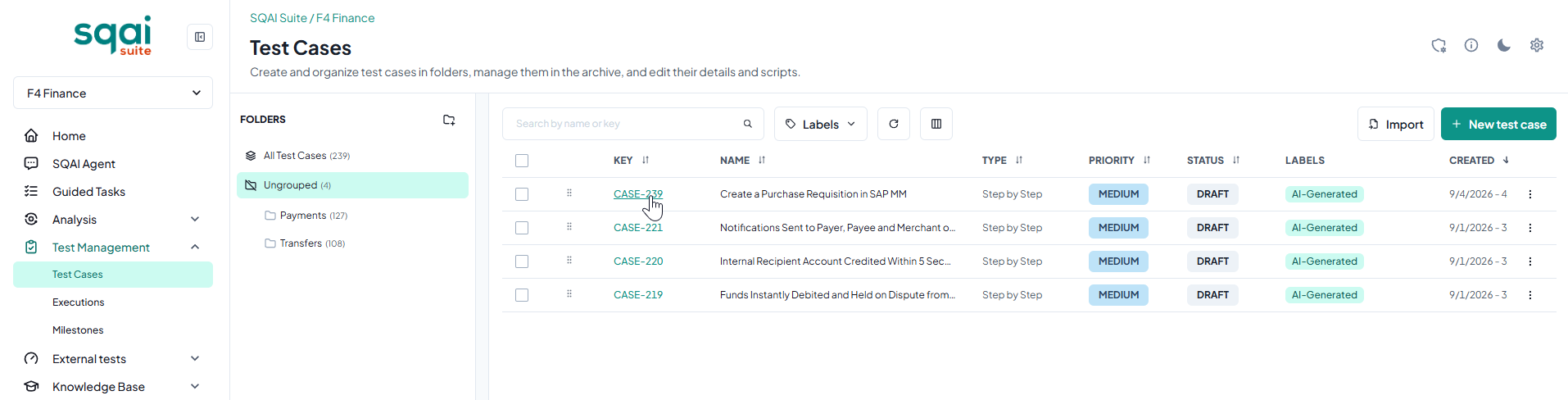
Select Context Sources In the Context & Inputs modal, define the source material SQAI Suite should analyze:
External Items: Enter the ticket key or URL (e.g.,
JIRA-1024or Azure DevOps work item ID).Knowledge Base: Select specific uploaded PDFs, Swagger/OpenAPI files, or Confluence docs etc....
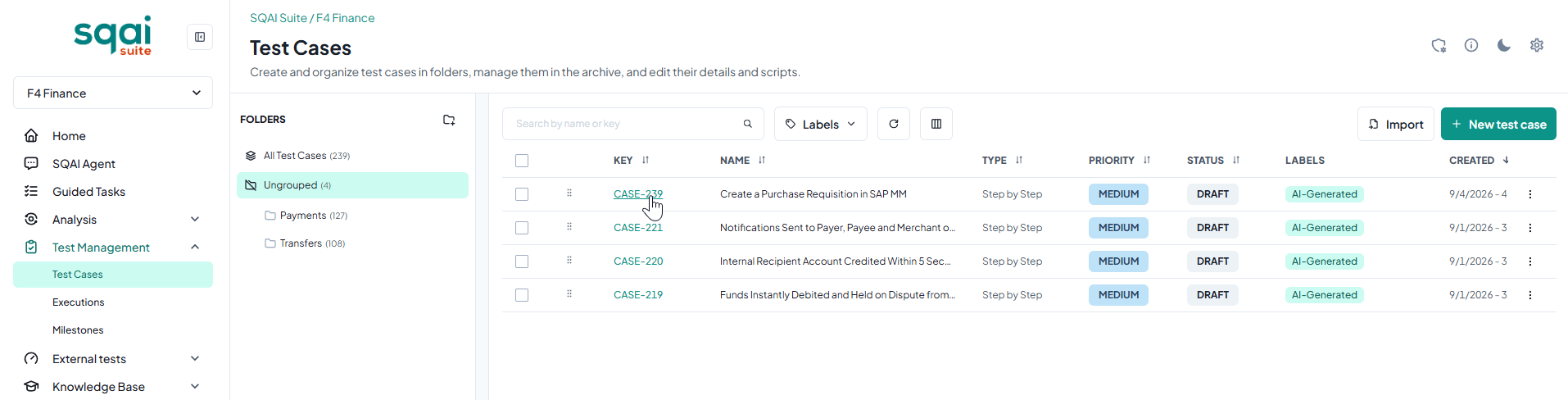
Configure Deliverable Settings
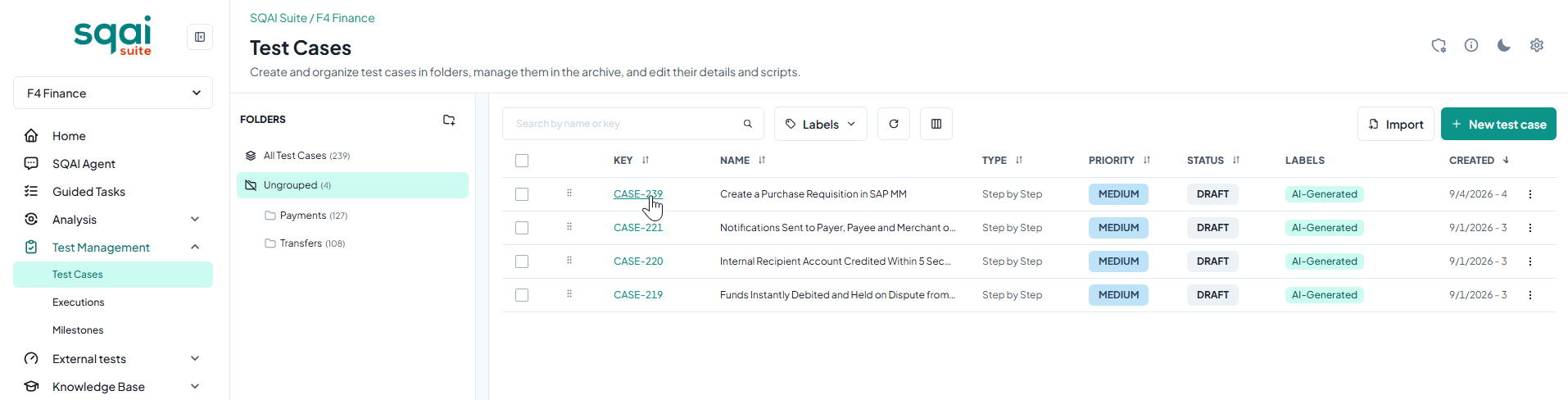
Execute and Review Click Run Task. SQAI Suite automatically processes the context, executes token-optimized prompting, and generates the output in the jobs panel.
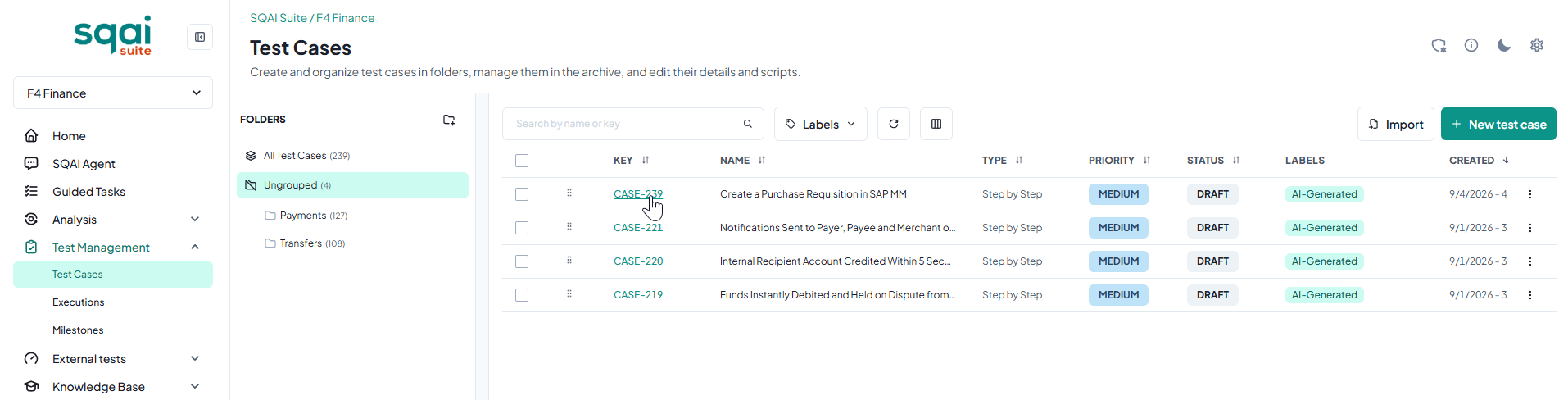
Refine and Write Back
Best Practices for Optimal Results
Scope Your Input: Link specific user stories or modular specs rather than broad, top-level project folders to keep token usage efficient and precision high.
Keep Knowledge Base Synced: Click Sync on uploaded documentation whenever API specs or project rules change to keep AI context accurate.
Define Framework Rules Once: Configure your team's naming conventions and design patterns and save them in your Knowledge base so you can refer to it in the additional instructions, so all generated assets matches your exact standards.
Related Articles
Did this answer your question?