Step 2 - Connect Your Apps & Test Tools
To unlock the full power of the SQAI Suite, you must connect your Test Management Tool and Code Repository (in case you want to enjoy SQAI's Test Automatio
Updated September 10, 2026
To unlock the full power of the SQAI Suite, you must connect your Test Management Tool and **Code Repository (in case you want to enjoy SQAI's Test Automation capabilities) **before starting. These foundation connections allow SQAI to act with the context of a human teammate rather than a generic chatbot.
2. Minimum Advised App Connections
Test Management Tool (TMT): SQAI analyzes your requirements to ensure every generated test case is linked to a business goal. This enables Bidirectional Sync, pushing tests back to your existing test suites. In case you do not have a Test Management Tool or you are thinking about migrating, SQAI Suite provides it's own AI-native Internal Test Management Module (ITM) completely free, at no additional cost in your subsciption and it is activated out of the box.
Code Repository: In case you want to use SQAI to help you automating tests, we strongly advice you to connect your test automation code repository. SQAI automatically detects your framework (Playwright, Cypress, etc.) and uses a Self-Correction Loop to fix its own code before sending you a Pull Request you can review, just as if a human had produced the code, in your framework standards.
Ready to get started?
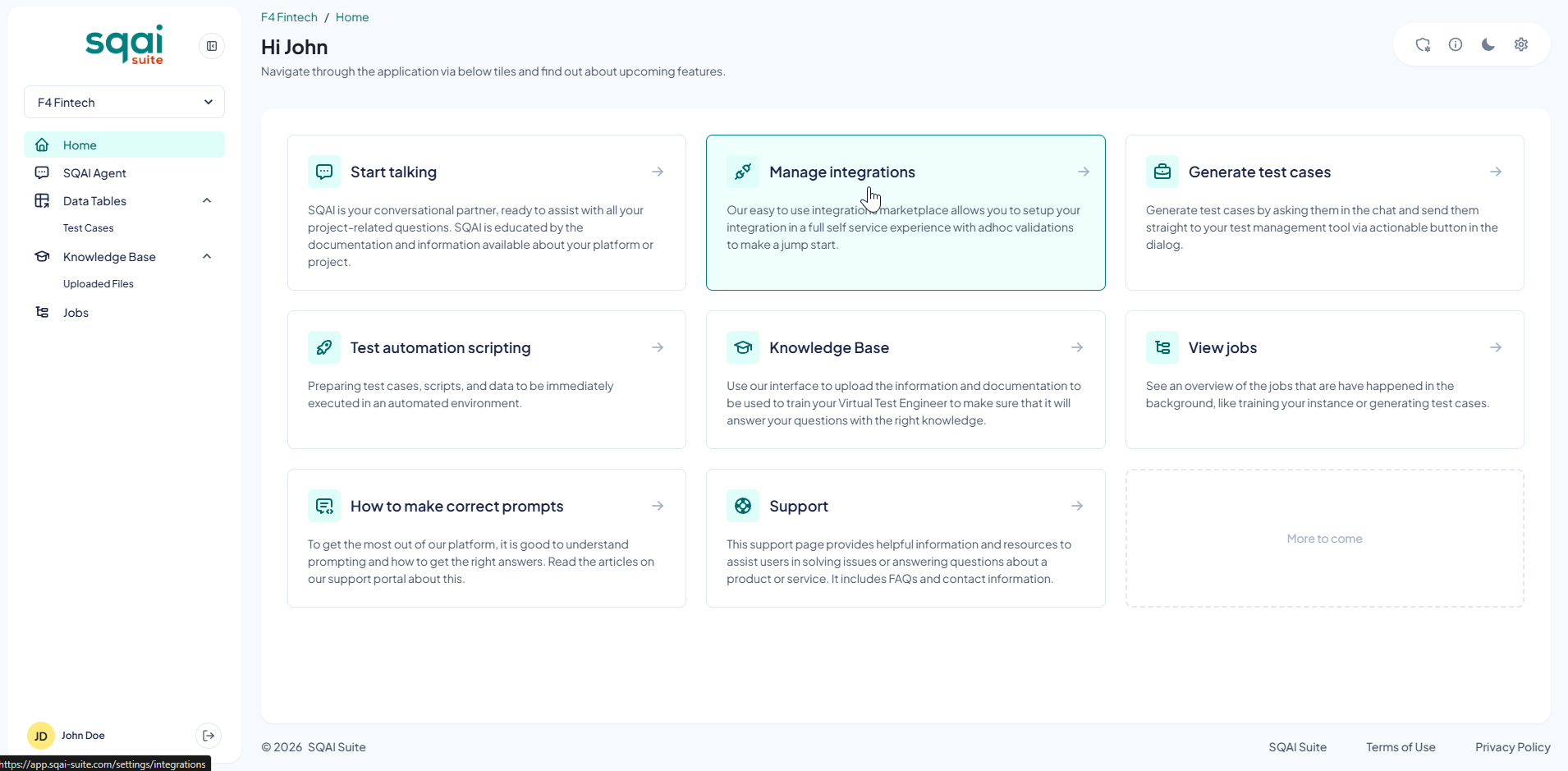
Click the integrations tile from the SQAI home page:
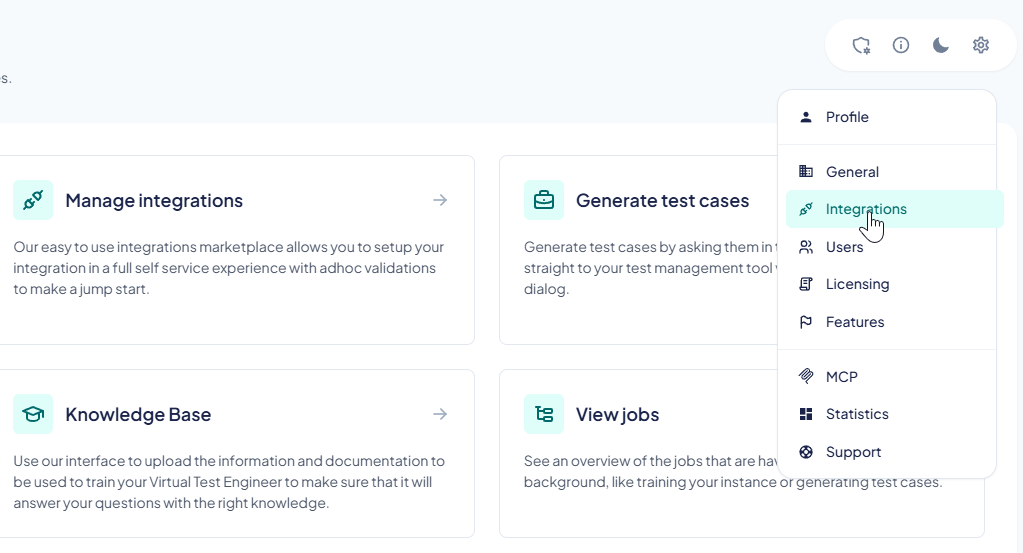
Or use settings cog...
Select the integration you want to connect
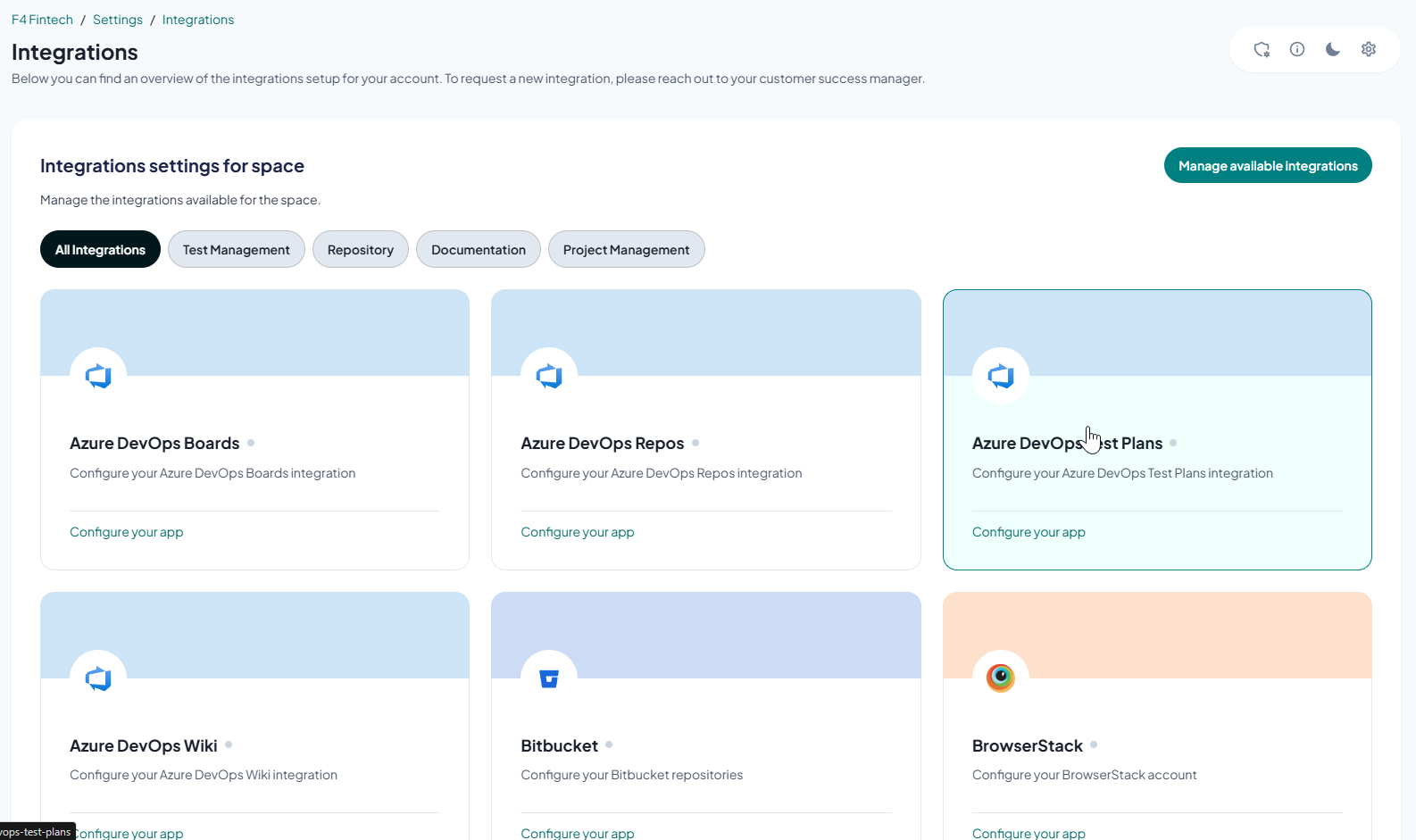
Follow the on-screen instructions to set up your integration:
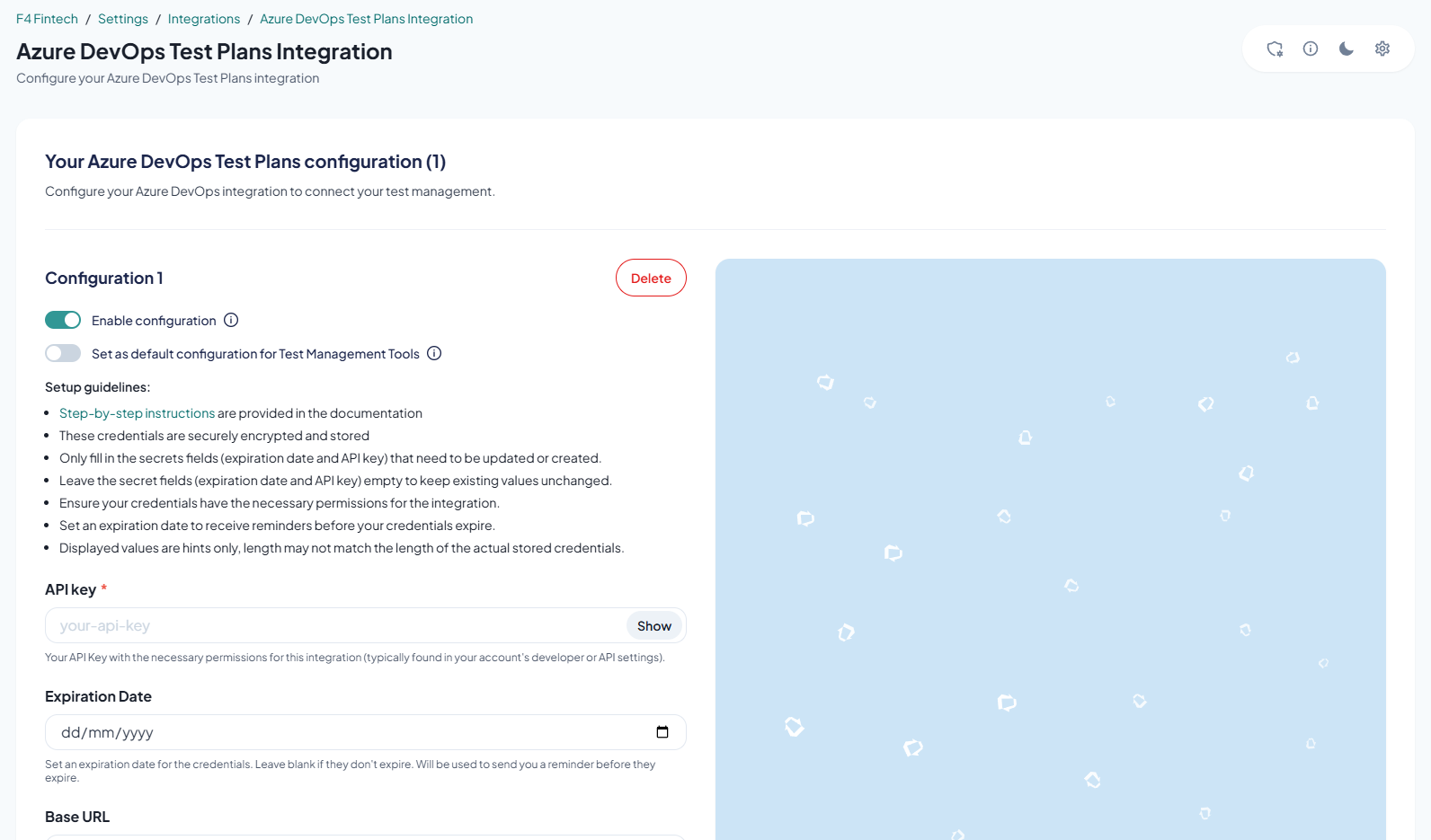
Read our in-depth documentation on our integrations in case you need more information.
Related Articles
Did this answer your question?